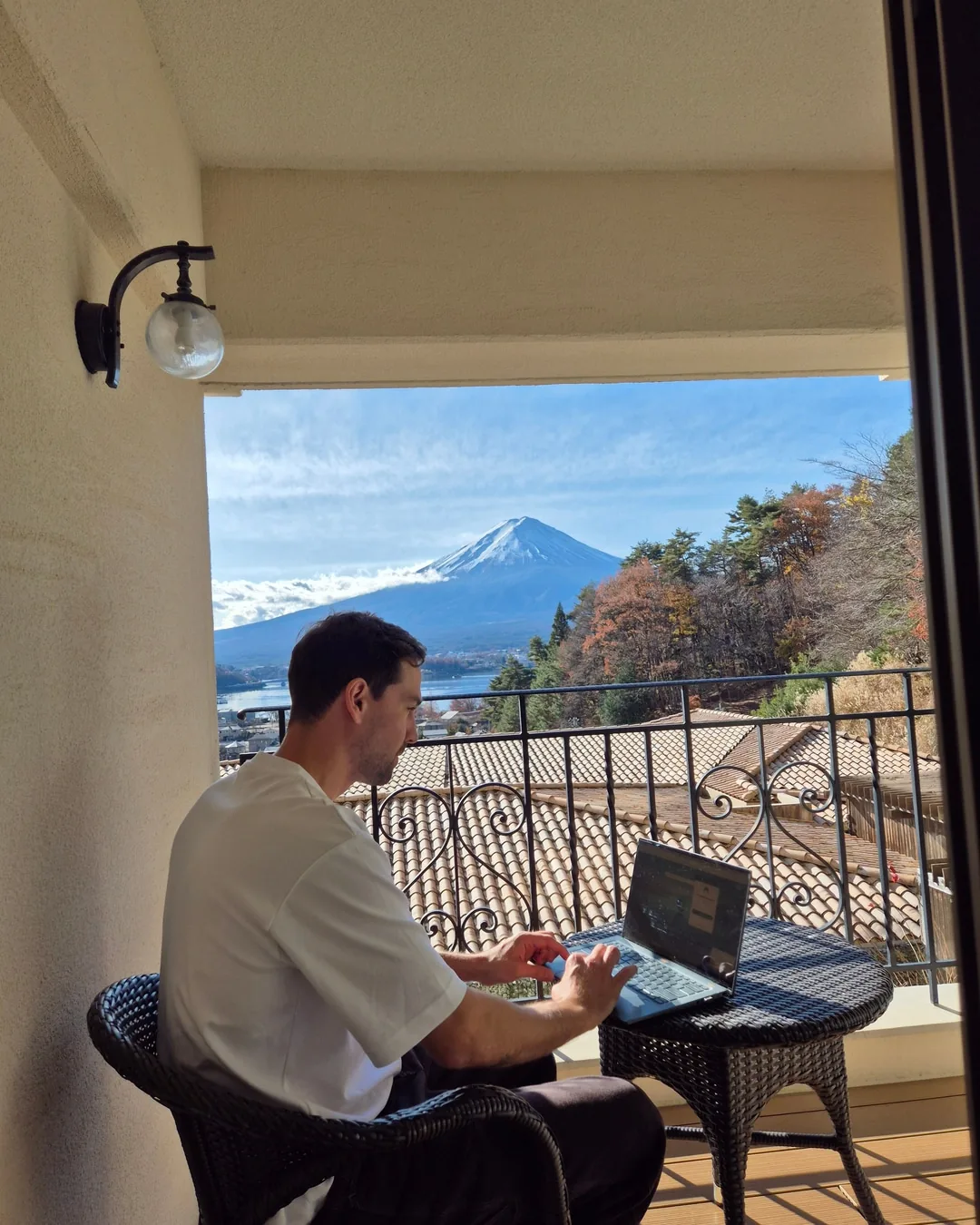
I used to pay three editors and still check every post myself.
Cards on a board. Files in Drive. Captions in a doc. A scheduler I had to trust. Every week something went out wrong, and I found out after.
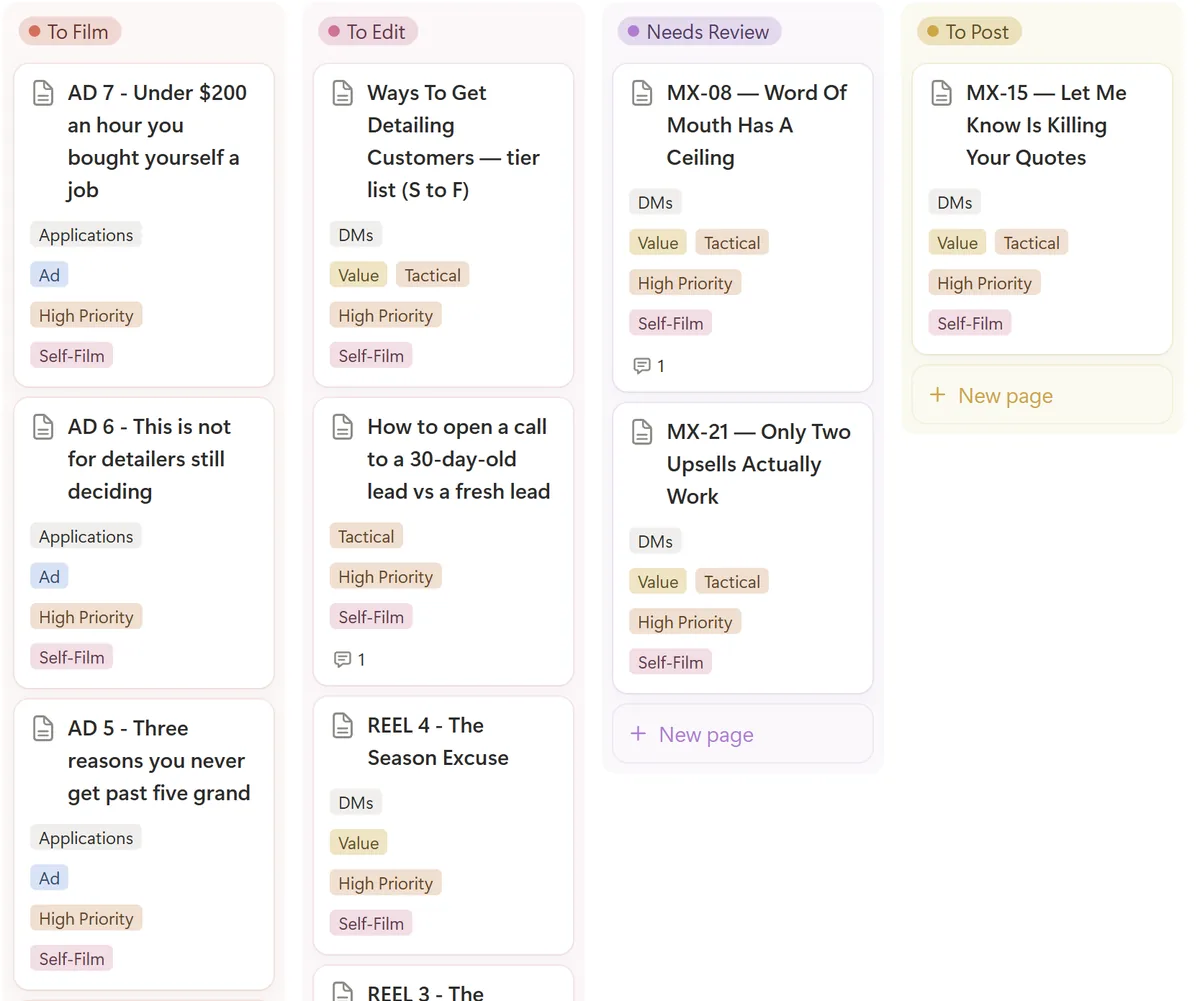
Now I post around 40 times a week across Instagram, Facebook, TikTok and YouTube. No content team. I check one screen.
Here's what's on it and how it fits together.
It catches what I'd miss.
The first week it ran, it caught two Facebook posts about to go out with the last line of the caption cut off. One of them was the call to action.
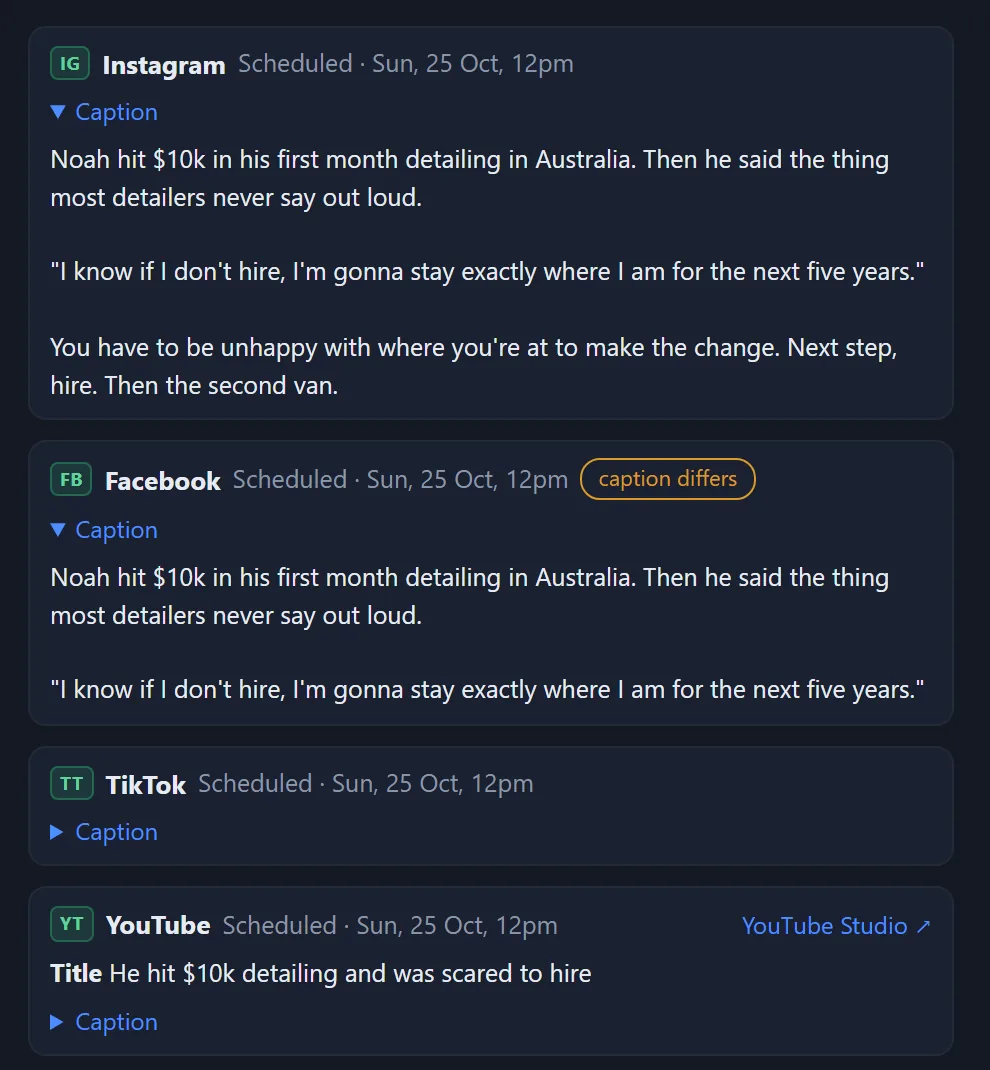
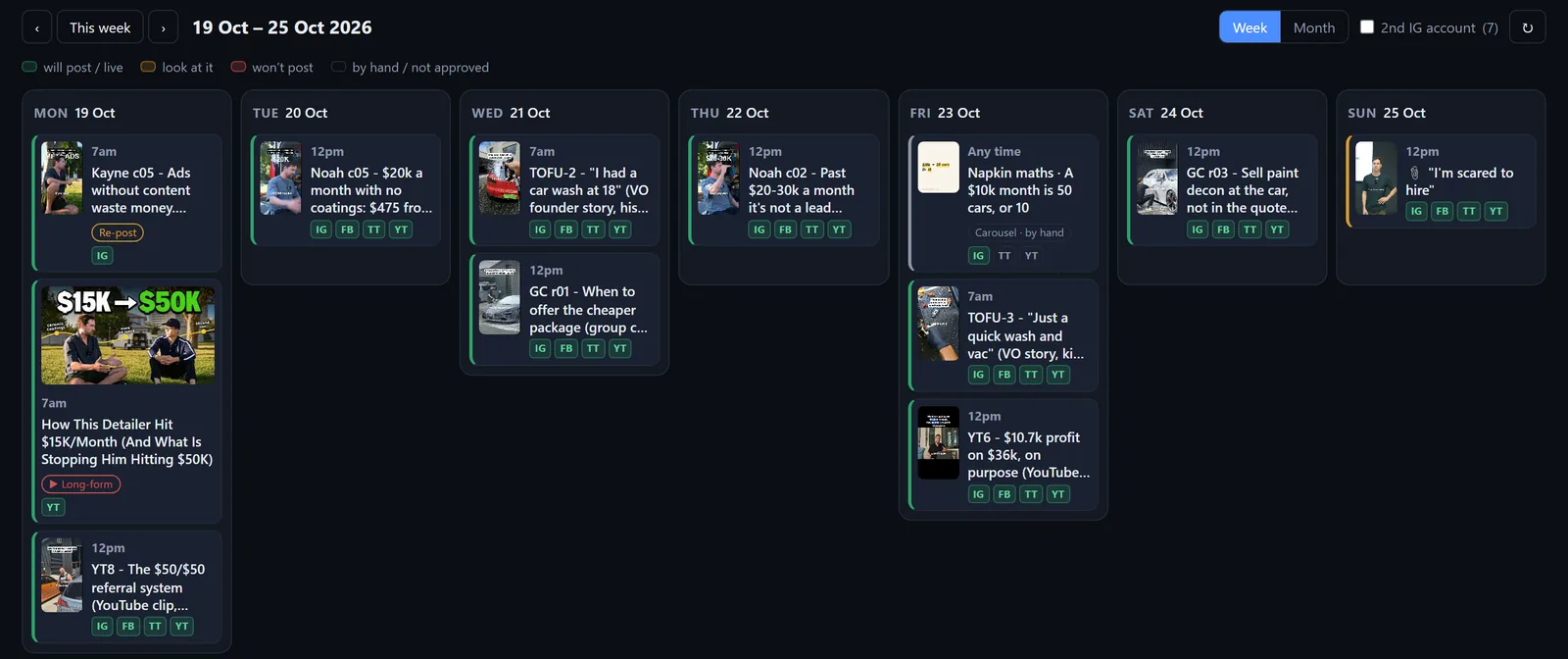
That's the job. Every post for the week sits on one screen. Click any one and I see the exact video and the exact caption each platform will get. Green, it's going out. Amber, look at it. Red, it won't post.
I make the notes. It makes the fixes.
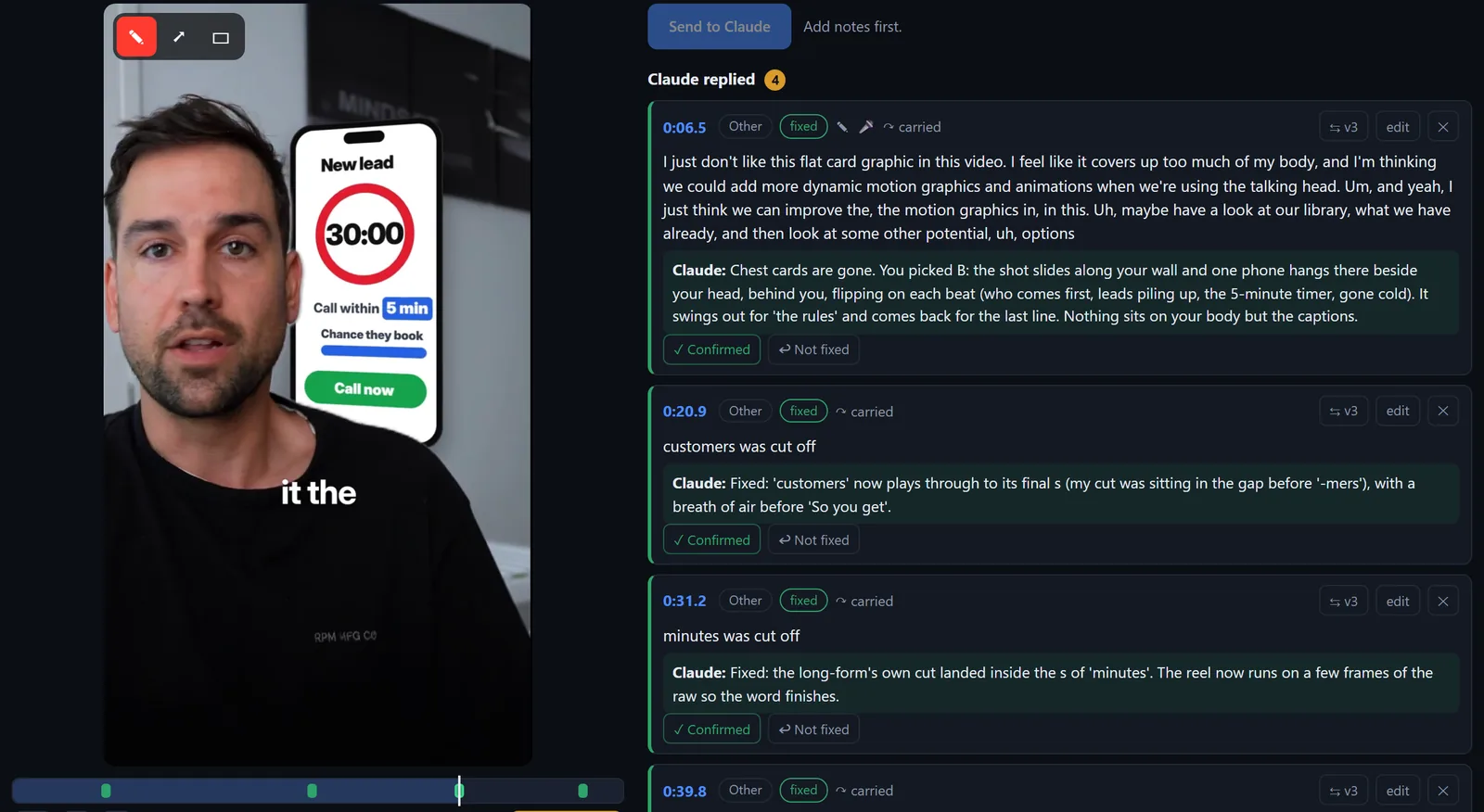
Claude edits the video and sends me the cut. I pause on the moment, type a note (or draw a box on the frame) and send it back. It fixes it and sends the next version. I never open an editing app.
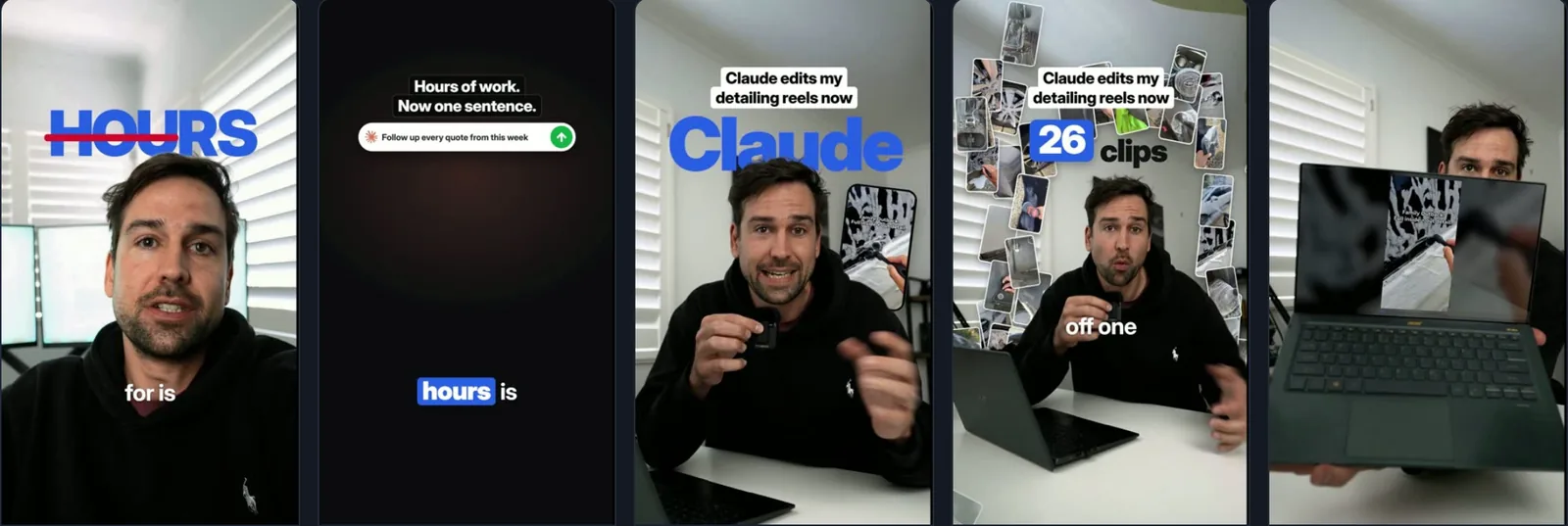
Approved once. Used again and again.
A library of 200+ animations I've already approved, so every new video reuses them instead of starting from scratch. When a line needs something new, it pitches me three options. I pick one or say no.
4,700 clips. Found in seconds.
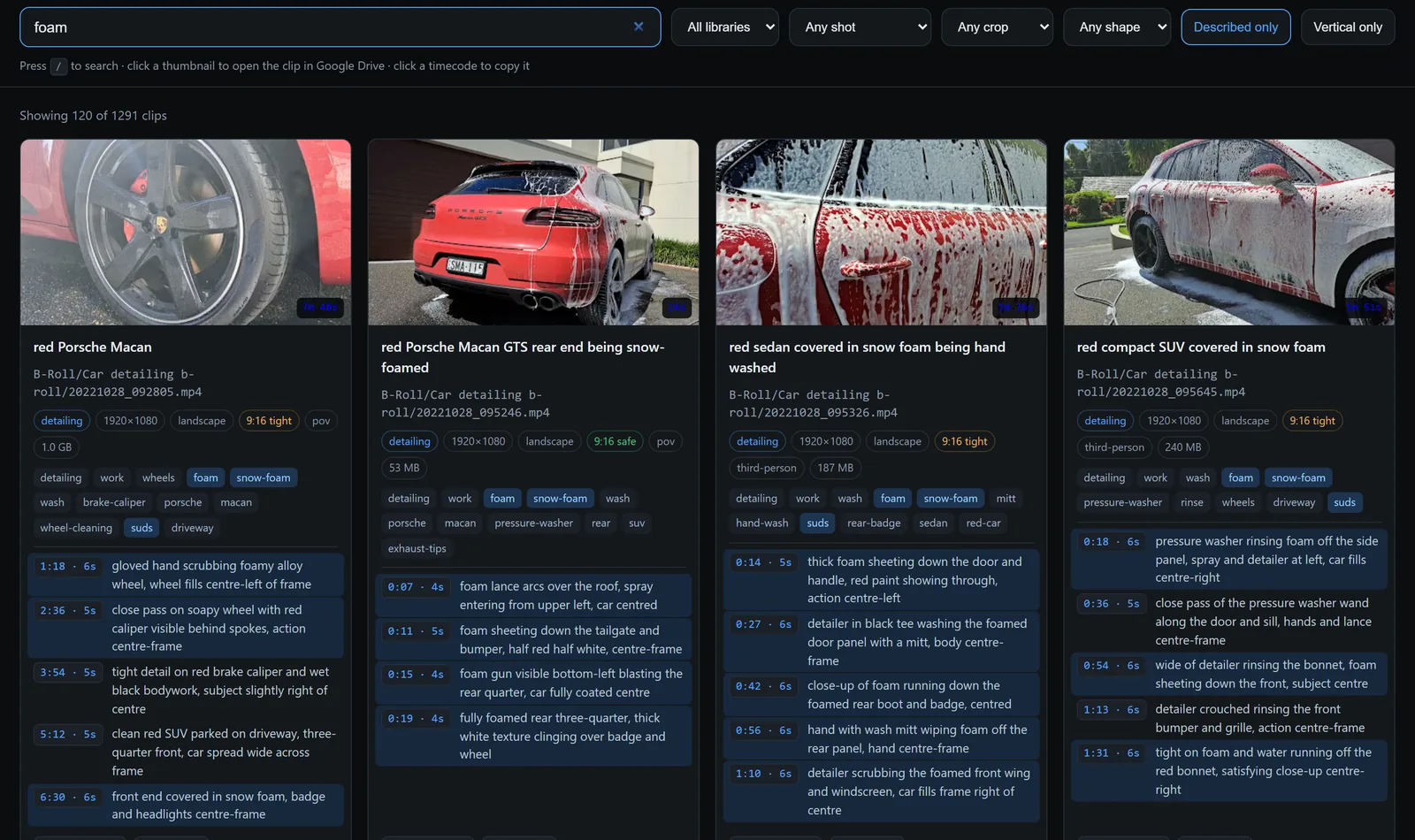
Every clip I've ever shot, 4,700+, described and tagged by AI. So it can find "foam going on a red SUV" in seconds and drop it under the right line.
What's working, in plain English.
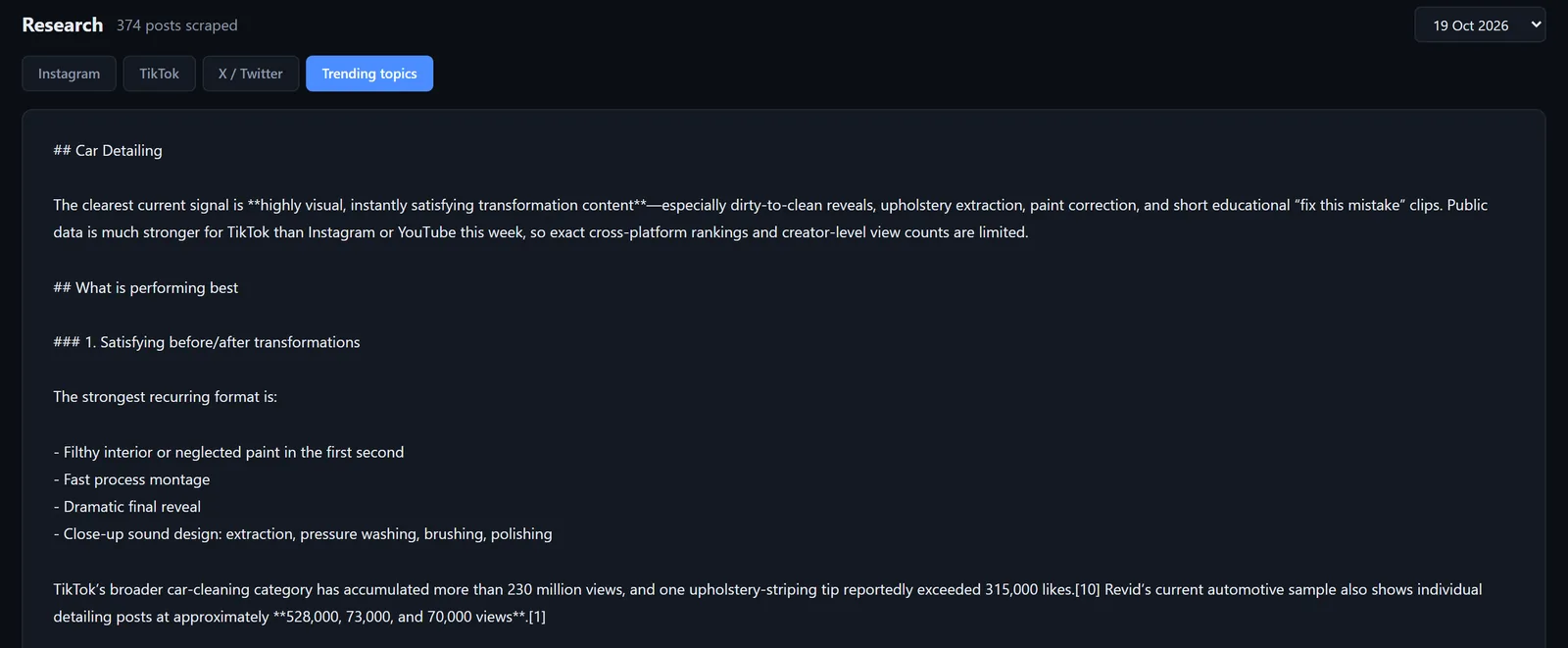
It tracks what's working for my competitors, in other industries and in what's going viral right now, and gives me the short version.
How it's wired
- Claude CodeDoes the building and the editing. It runs on my computer and talks to everything else.
- My schedulerHolds the posts. The calendar reads straight from it, so what I see is what goes out.
- Google DriveHolds the raw footage and the finished videos.
- One small databaseRemembers the notes, the graphics and what each video is.
- A private web pageBehind a login. Puts it all on one screen.
AI does the work. I make the calls.
Nothing posts that I haven't seen, and every change is one I approved.
Build your own
Open Claude Code and paste this. Fill in the brackets.
I post about [number] videos a week to [platforms] using [your scheduler]. Build me a private one-page calendar for next week. Pull every post straight from [your scheduler], show each one with its video and the exact caption each platform will get, and flag anything that won't post, or will post differently, in amber or red. Read-only to start: don't change or delete anything. Tell me which API keys you need and where to find them.
Start with the calendar. It's the part that saves you from the mistakes you don't see.
Got a question about it? Just reply to the DM.
Aaron